CS 22880 Lab 1
Goals for this Lab
- Familiarize you with Qiskit and Composer, used to simulate and run on IBM's quantum computers
Overview
We will be working using Jupyter notebooks hosted on Google Colab.
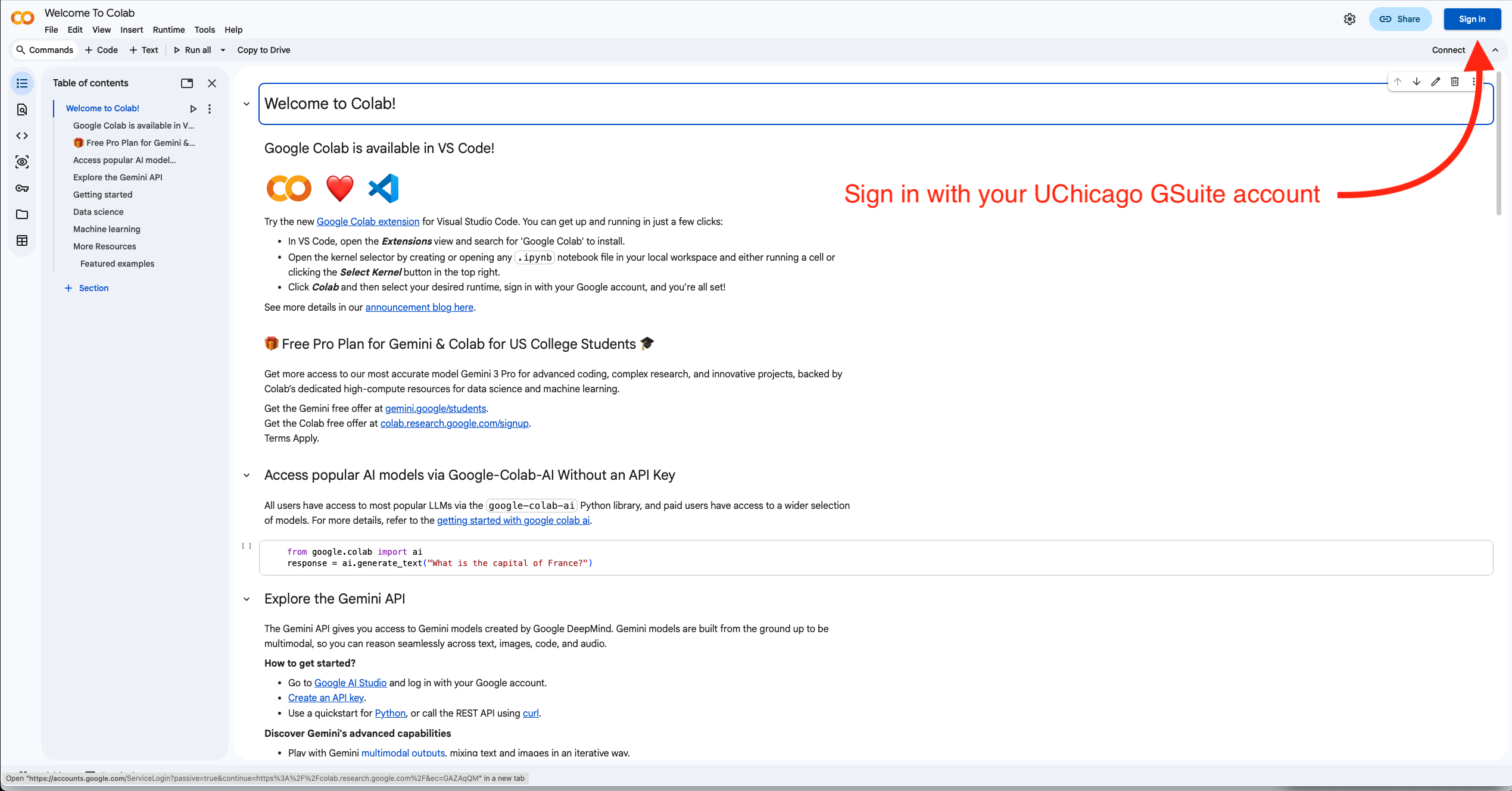
You will need to go to
Google Colab
and sign in using your UChicago email address.
You will be completing Two tutorials this week.
Warmup: IBM Composer
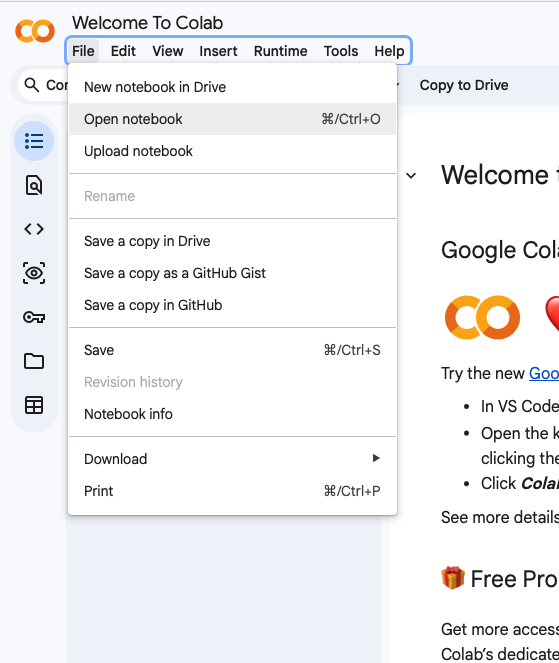
Let's start the first tutorial! You will interact with the Jupyter notebook for the assignment and Composer to do the actual work. Then you will put your answers in Gradescope. So you'll need three tabs open to complete this warmup! After logging in to Google Colab, Download the jupyter notebook for the warm up: QiskitL1.ipynb.Click on File->Open Notebook to bring up the Open Notebook Panel
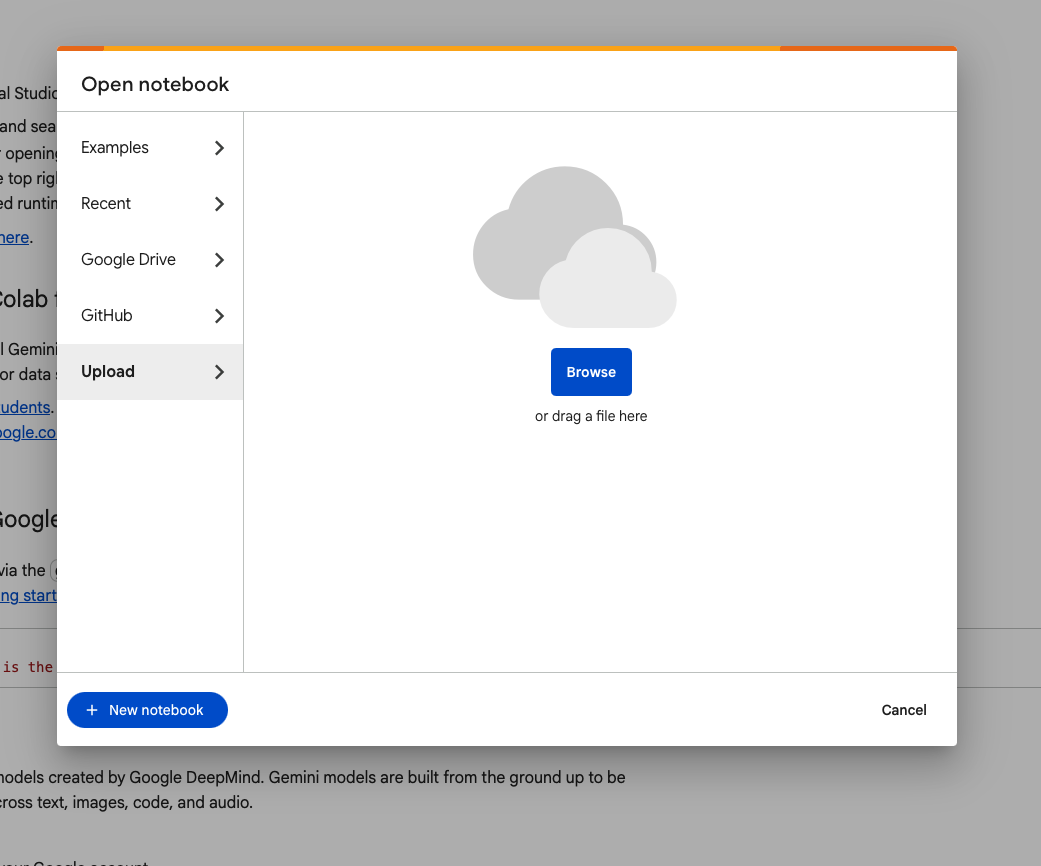
Then select 'Upload' and drag and drop the QiskitL1.ipynb file from your downloads folder into the upload window.
Lab: Qiskit Python Programming
Let's start the second tutorial! For this part, you will write your Qiskit Python code directly in the Jupyter notebook. You can run the code within it. You will not submit the code; instead, you will go to Gradescope and answer questions about what you see.During this lab section, you need to only get through Student Exercise 2: Your First Quantum Circuit: Exploring the NOT Gate. Once you finish it, you can show the TA your progress and leave.
You will need to finish the rest of this second tutorial by the end of the week (Tuesday evening before lab next Wednesday).
Click on File->Open Notebook to bring up the Open Notebook Panel
Then select 'Upload' and drag and drop the QiskitL1c.ipynb file from your downloads folder into the upload window.
Follow the directions that come up.